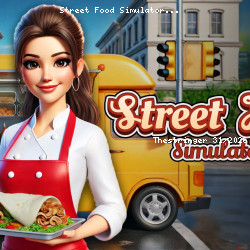
Street Food Simulator Online Gameplay
Virtual Projects • 61.6K Plays • 123K Views • star 4.4 (5.2K)
All
Device
Landscape
Orientation
5.2K ratings
Rate This Game
gamepad How to Play Street Food Simulator
Controls
Desktop Controls
- Move = Use the arrow keys to navigate around the truck.
- Look Around = Move your mouse to rotate the camera and look around.
- Pick Up Items = Press the Spacebar to pick up boxes.
- Place Items = Press R to place food or tools on a counter or shelf.
- Throw Items = Press C to discard boxes or trash.
Mobile Controls
- Move = Use the joystick to navigate around the truck.
- Look Around = Drag on the right side of the screen to rotate the camera.
- Pick Up Items = Tap the screen while looking at a box to pick it up.
- Place Items = Tap the Place button (top right) to place food or tools on a counter or shelf.
- Throw Items = Tap the Throw button (top right) to discard boxes or trash.
info About Street Food Simulator
A few moments on The Stringer Game bring you directly into the world of Street Food Simulator The design reflects a clear understanding of Top Free Web Games player expectations Start Street Food Simulator and turn simple moments into something entertaining
Street Food Simulator is a fast-paced cooking adventure where you run a food truck and serve up sizzling dishes on the go. Take orders, cook delicious meals, and satisfy hungry customers to earn cash and unlock upgrades. With new recipes, ingredients, and time-management challenges, you’ll build your street food empire one meal at a time.